

Driver's Trip & Task DetailsComplete Clarity for Every Trip, Every Step of the Way
The Trip & Task Details feature gives drivers a clear, structured view of everything related to their assigned journey from container information to delivery instructions and live progress. Instead of relying on memory or scattered messages, drivers access all critical trip data in one organized, always-updated screen, ensuring accuracy, compliance, and confidence on the road.
Why Detailed Trip Visibility Matters for Drivers
Without a centralized trip view, drivers often face:
- Missed instructions
- Wrong delivery locations
- Incomplete task execution
- Repeated admin calls
- Delivery delays
Flecso removes uncertainty by structuring trip information into a single, guided workflow.
Get Started with Flecso Today
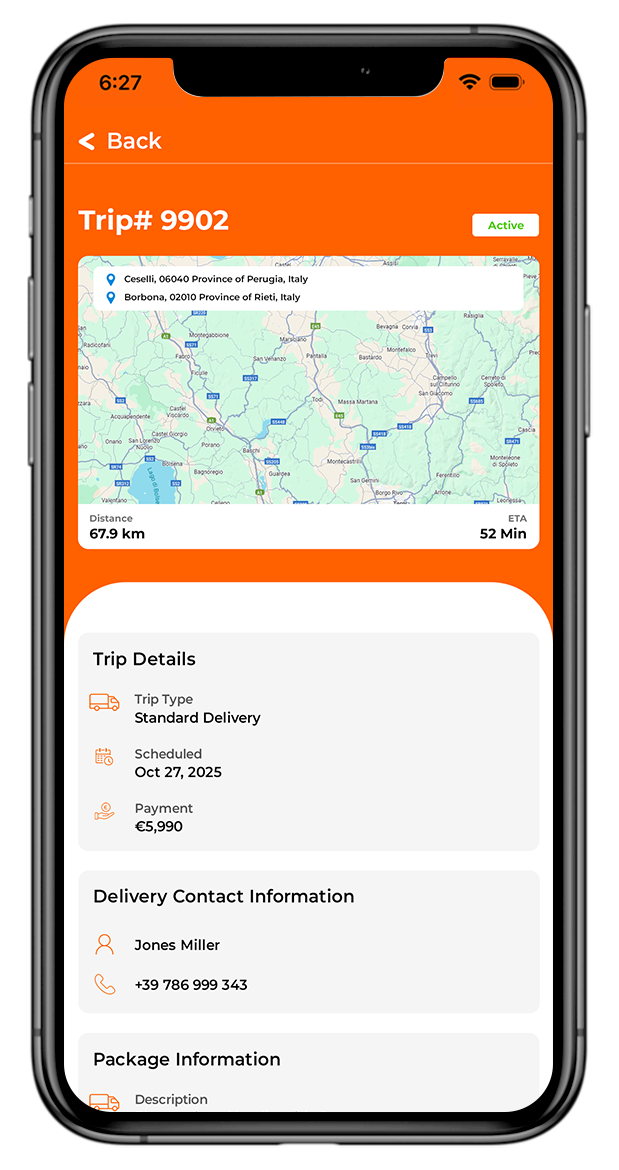
Key Features of the Trip & Task Details
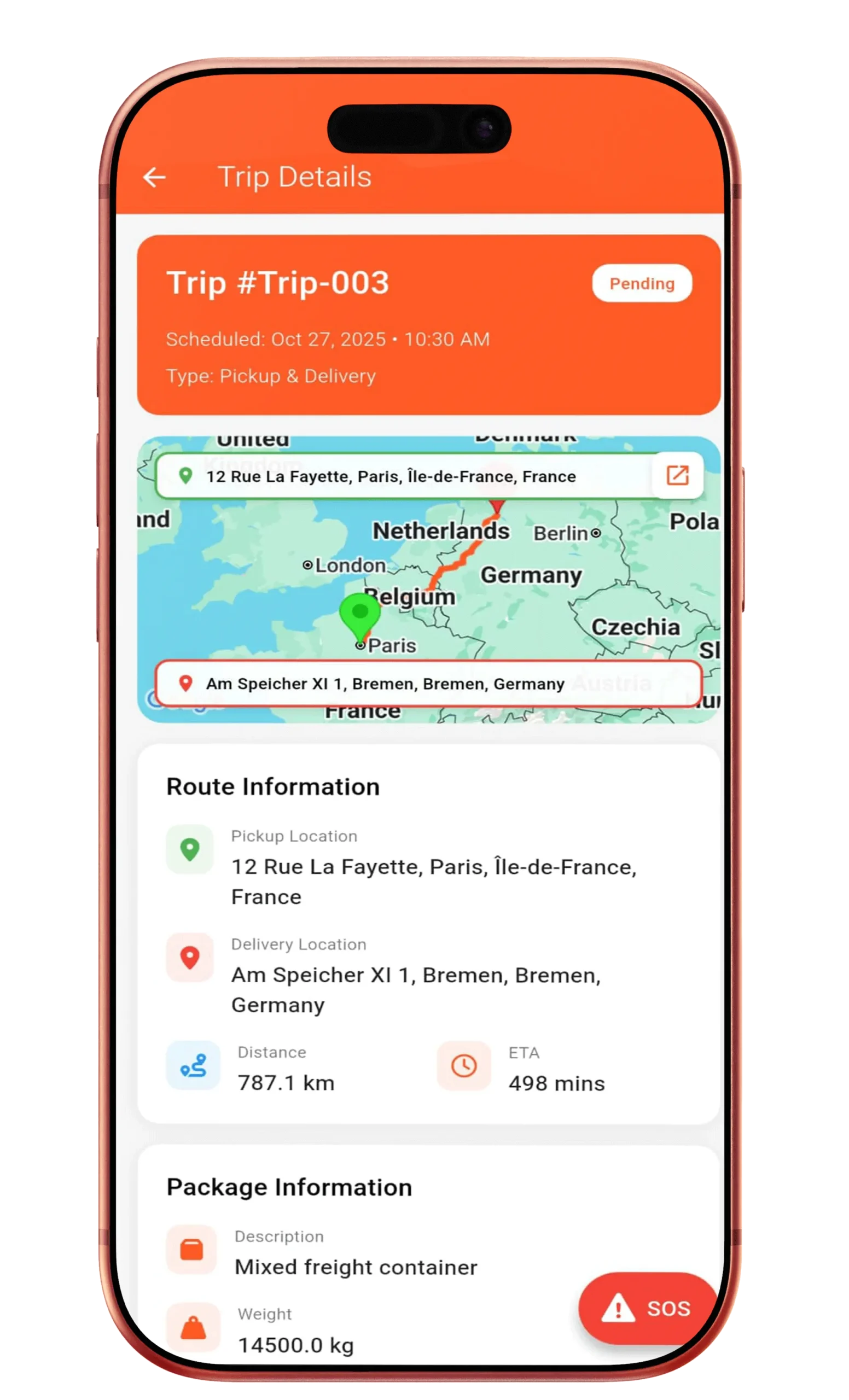
Complete Trip Information at a Glance
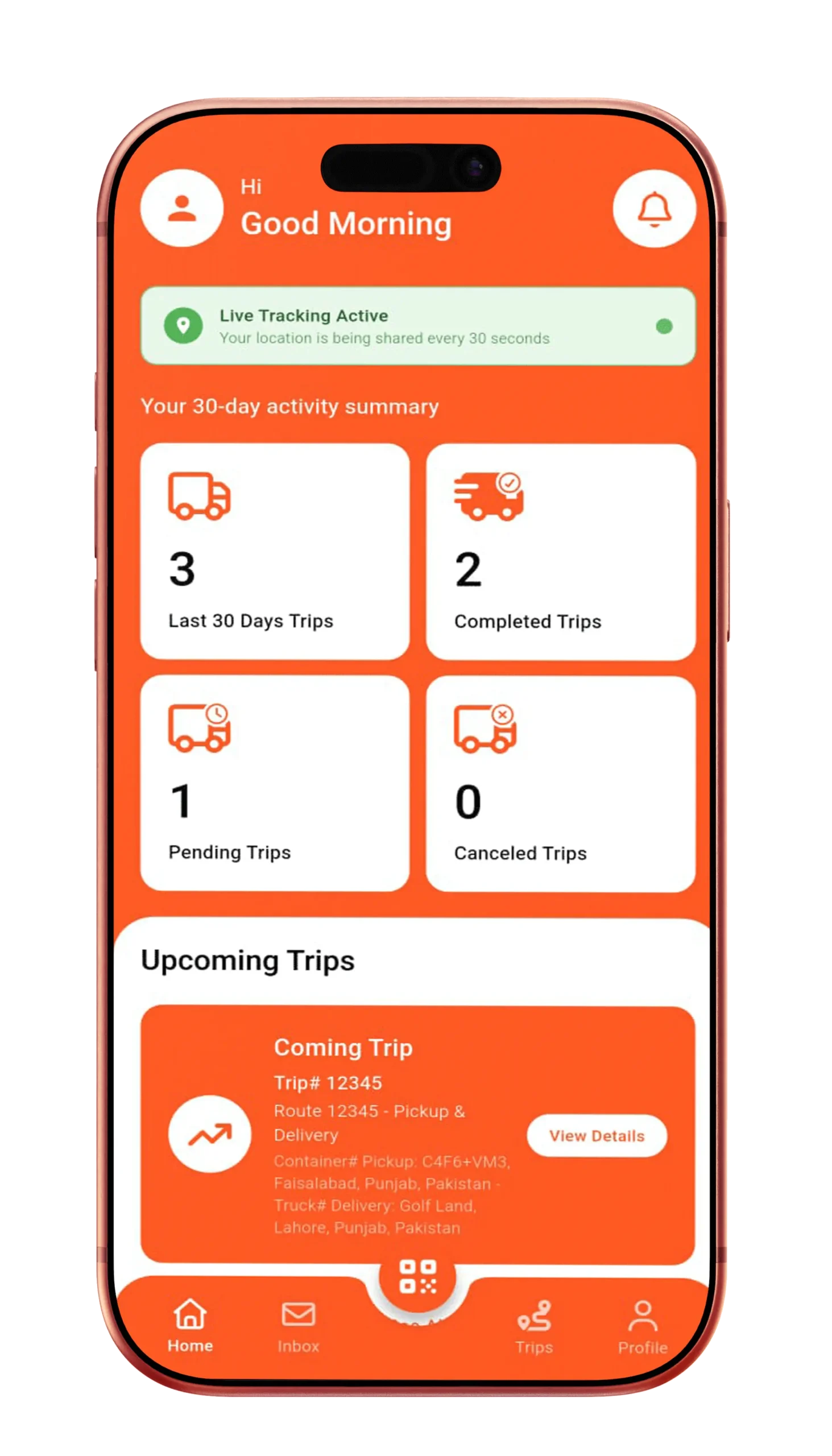
Each trip screen displays:
- Container number and type
- Assigned truck details
- Pickup and delivery addresses
- Trip start time and ETA
- Current trip status
Drivers always know exactly what they’re responsible for.
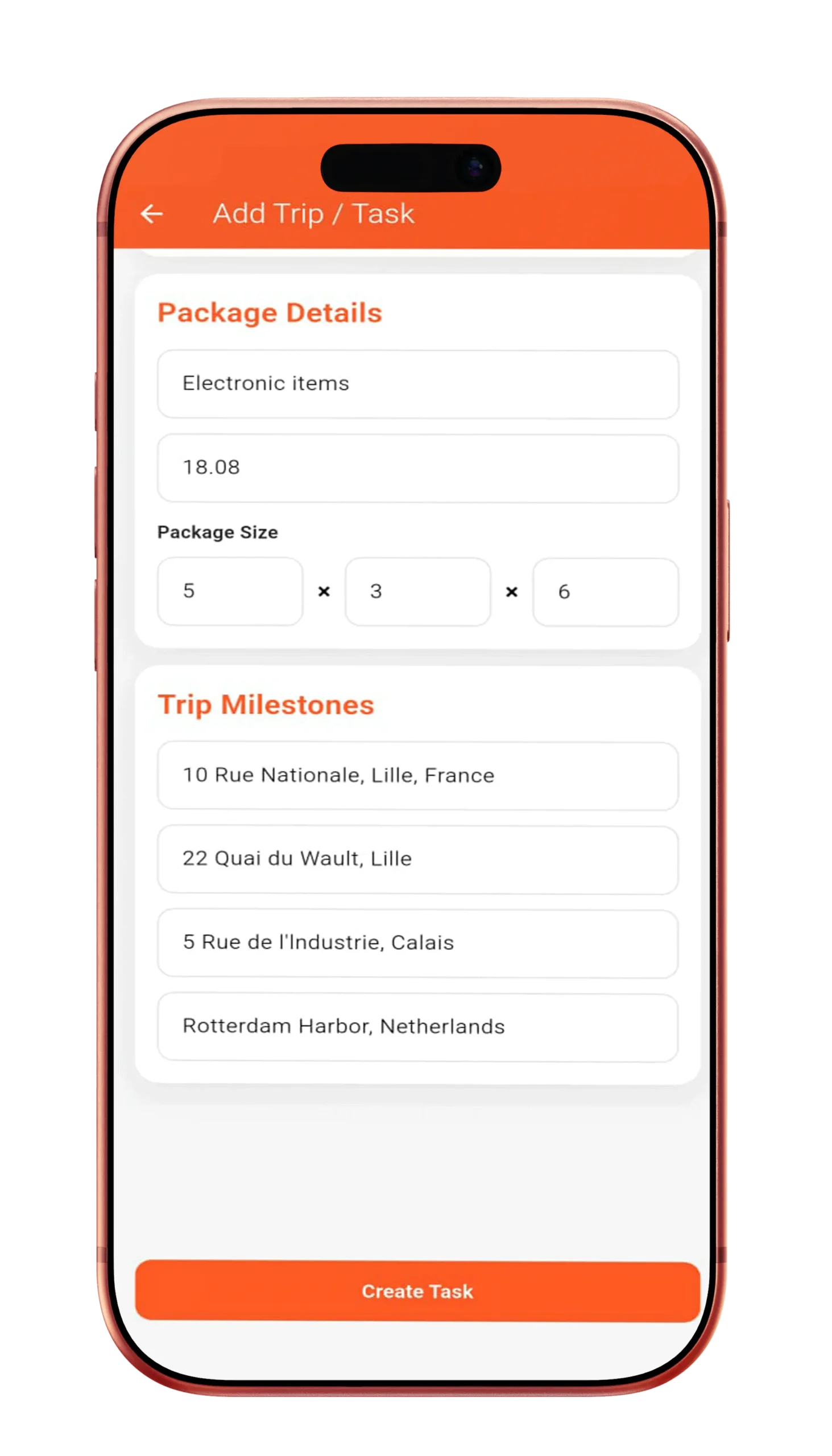
Step-by-Step Task Breakdown
Trips can include structured tasks such as:
- Pickup confirmation
- Mid-route checks
- Delivery instructions
- Special handling notes
Each task is clearly marked as pending or completed.
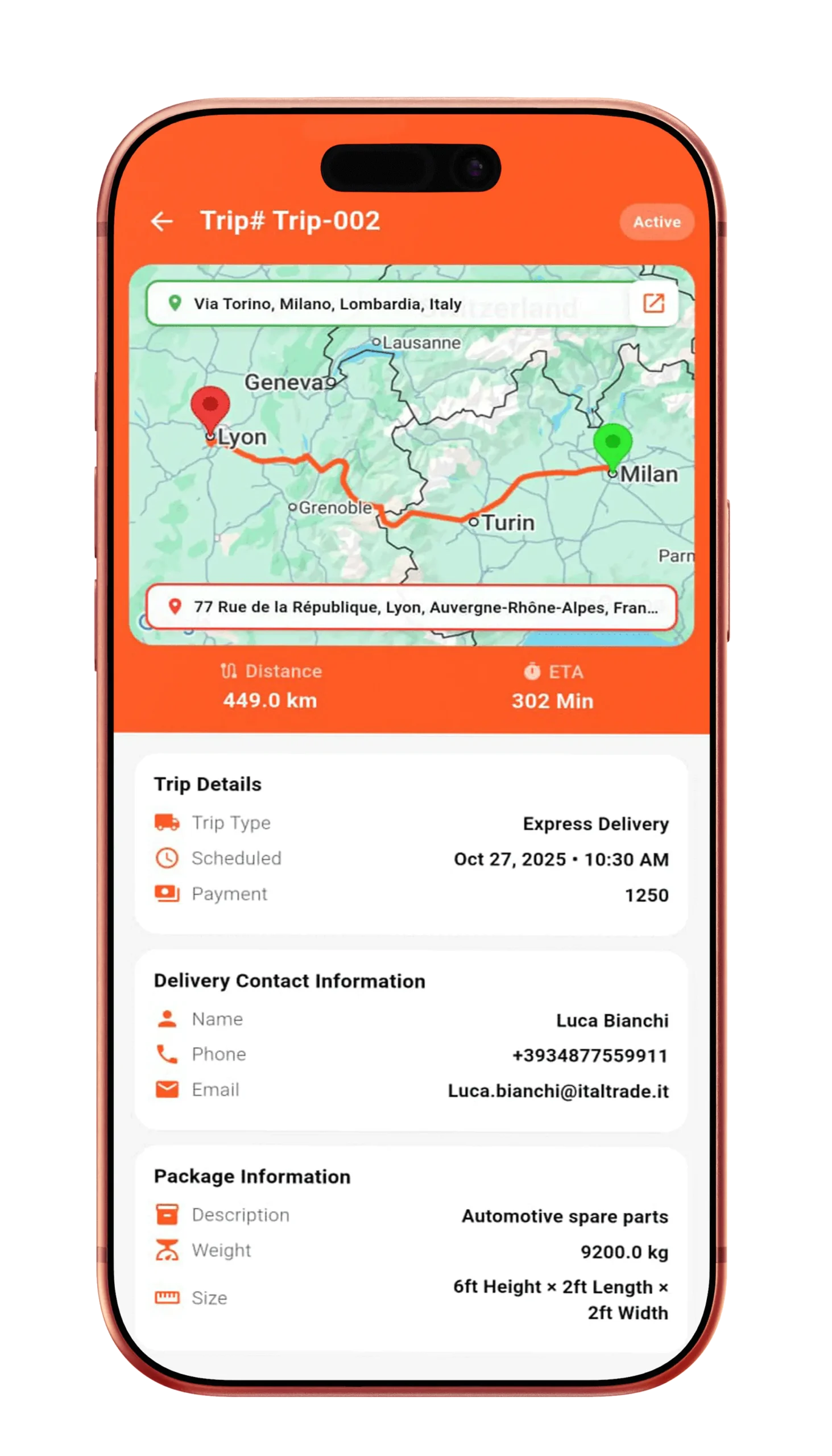
Live Progress & Distance Indicators
Drivers can view:
- Percentage of trip completed
- Remaining distance
- Real-time ETA updates
- Active route preview
This keeps expectations aligned and reduces stress.
Admin Instructions & Special Notes
Admins can attach:
- Handling instructions
- Route preferences
- Priority delivery notes
- Customer-specific requirements
All notes are visible directly within the trip details.
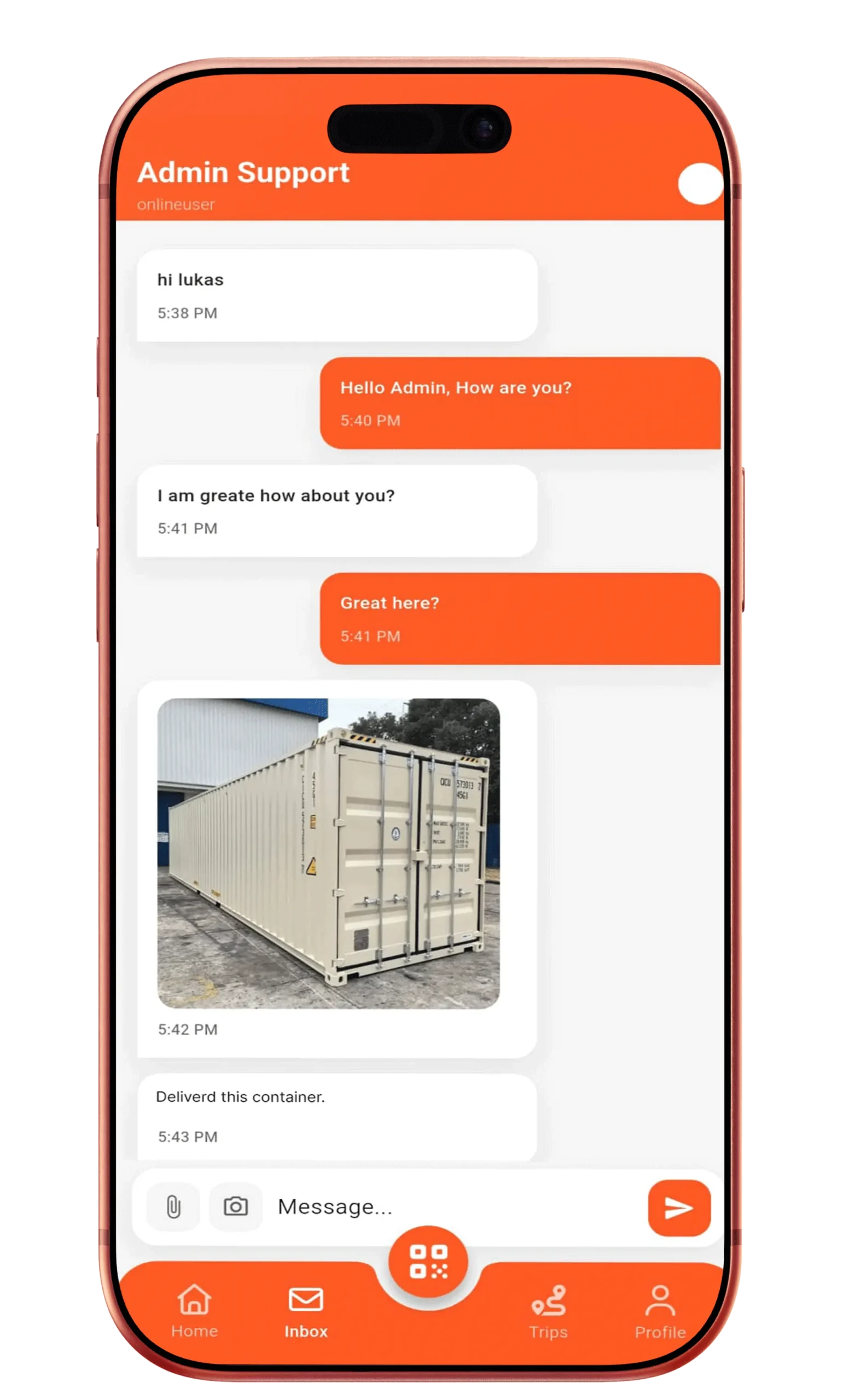
Auto-Synced Updates With Admin Dashboard
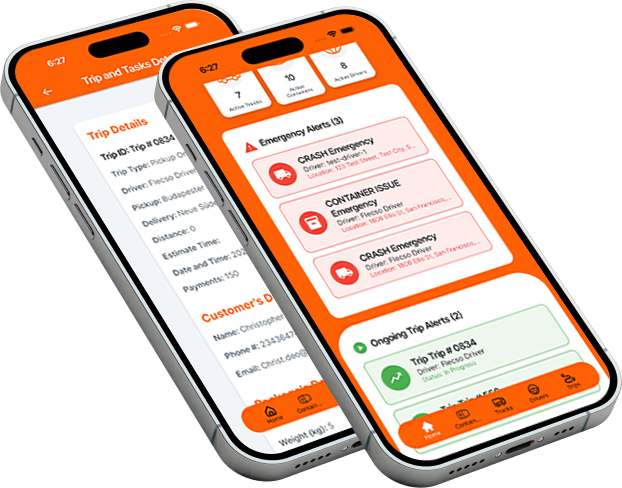
Any change in trip status or task completion:
- Syncs instantly with the admin dashboard
- Updates analytics and reports
- Maintains an accurate digital record
No duplicate reporting required.
Start Managing Your Logistics Digitally
How This Feature Improves Logistics Operations
Every trip becomes structured, predictable, and auditable.
- Reduces delivery errors
- Minimizes driver-admin communication gaps
- Improves task compliance
- Increases on-time delivery success
- Creates reliable execution records
Frequently Asked Questions
Yes. Updates sync in real time to the driver app.
Admins can configure mandatory or optional tasks.
Yes. Trip details are cached for offline access.
Turn Trips Into Guided Workflows
Flecso Trip & Task Details ensures drivers execute every delivery with clarity, confidence, and consistency.
Less confusion. Better execution.