

A Clear, Focused Command Center For Every Driver on the Road
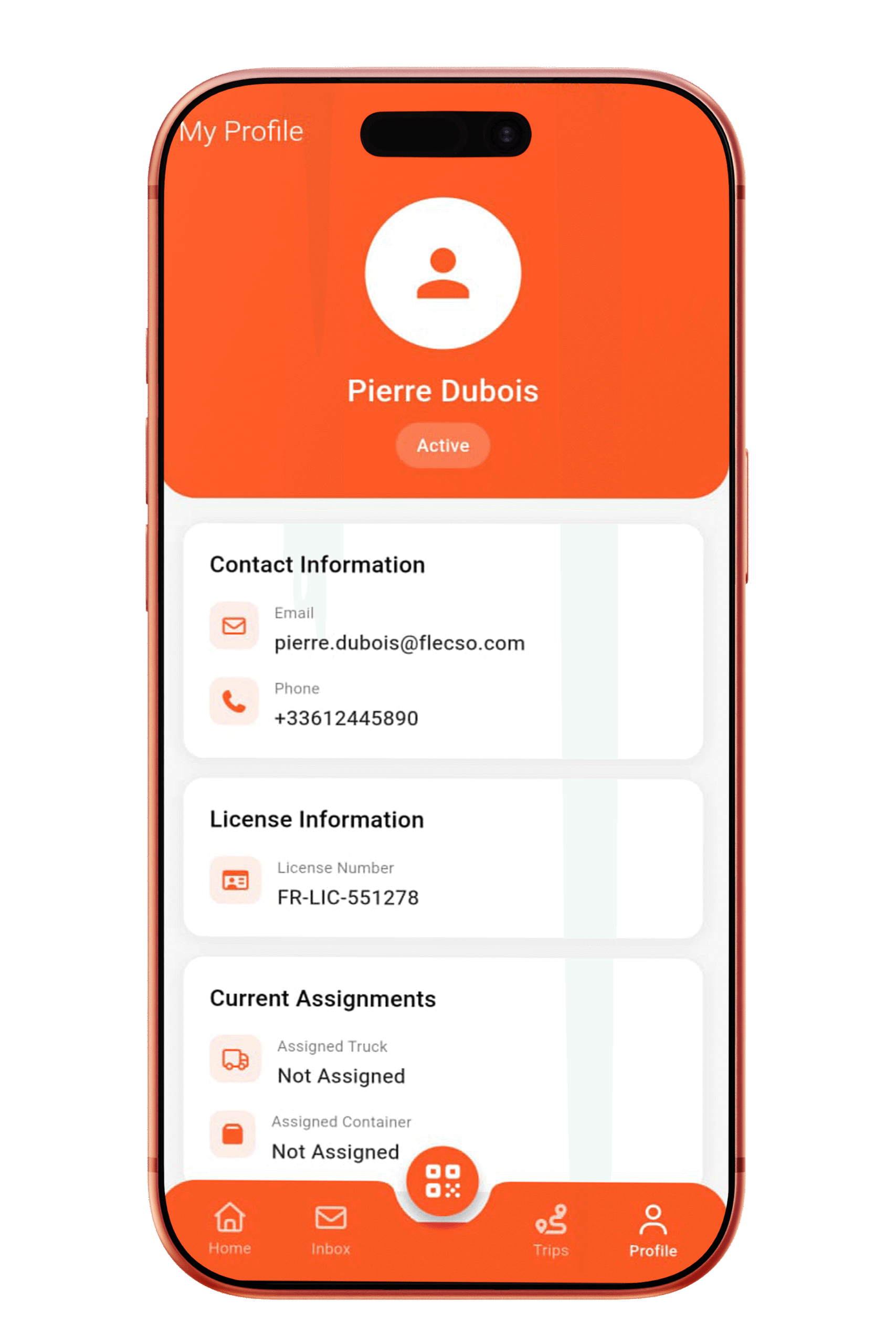
The Flecso Driver Dashboard is the driver’s personal control panel designed to deliver clarity, speed, and focus from the moment the app opens. Built specifically for field execution, the dashboard presents only what matters right now: active trips, assigned tasks, alerts, and next actions. No clutter. No confusion. Just a clean, mobile-first interface that keeps drivers productive, compliant, and on schedule.
Why Drivers Need a Dedicated DigitalDashboard
In traditional logistics workflows, drivers rely on phone calls, paper slips, and memory to manage their day. This leads to:
- Missed instructions.
- Delayed trip starts.
- Poor communication.
- Untracked driver activity.
Flecso replaces fragmented workflows with a single digital driver workspace that updates in real time.
Get Started with Flecso Today
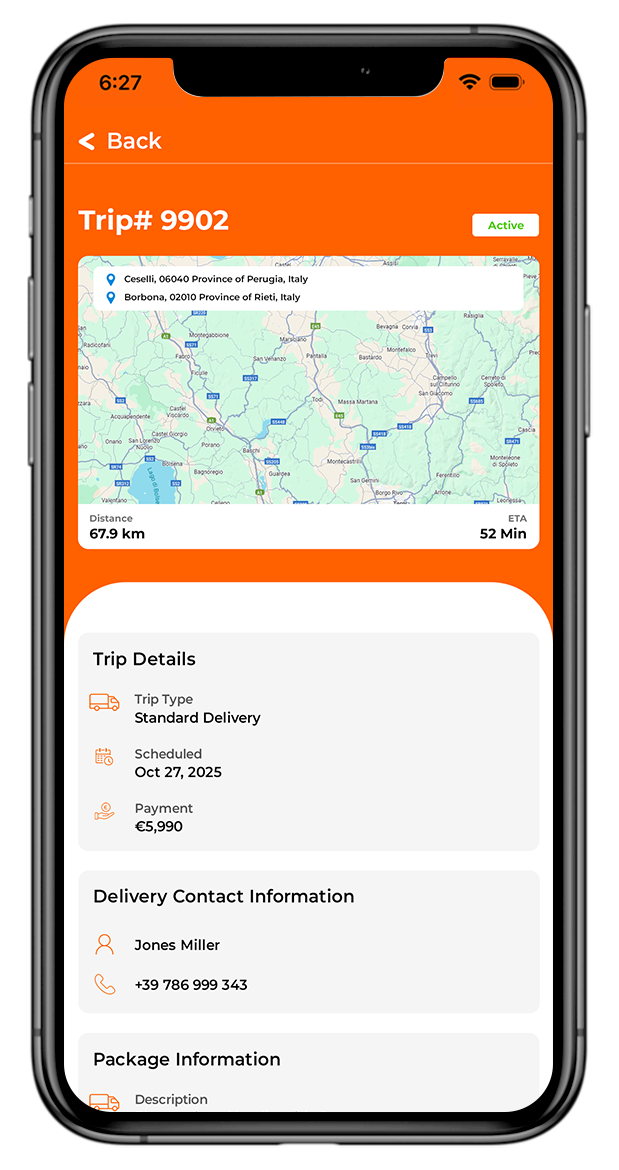
Key Features of the Driver Dashboard
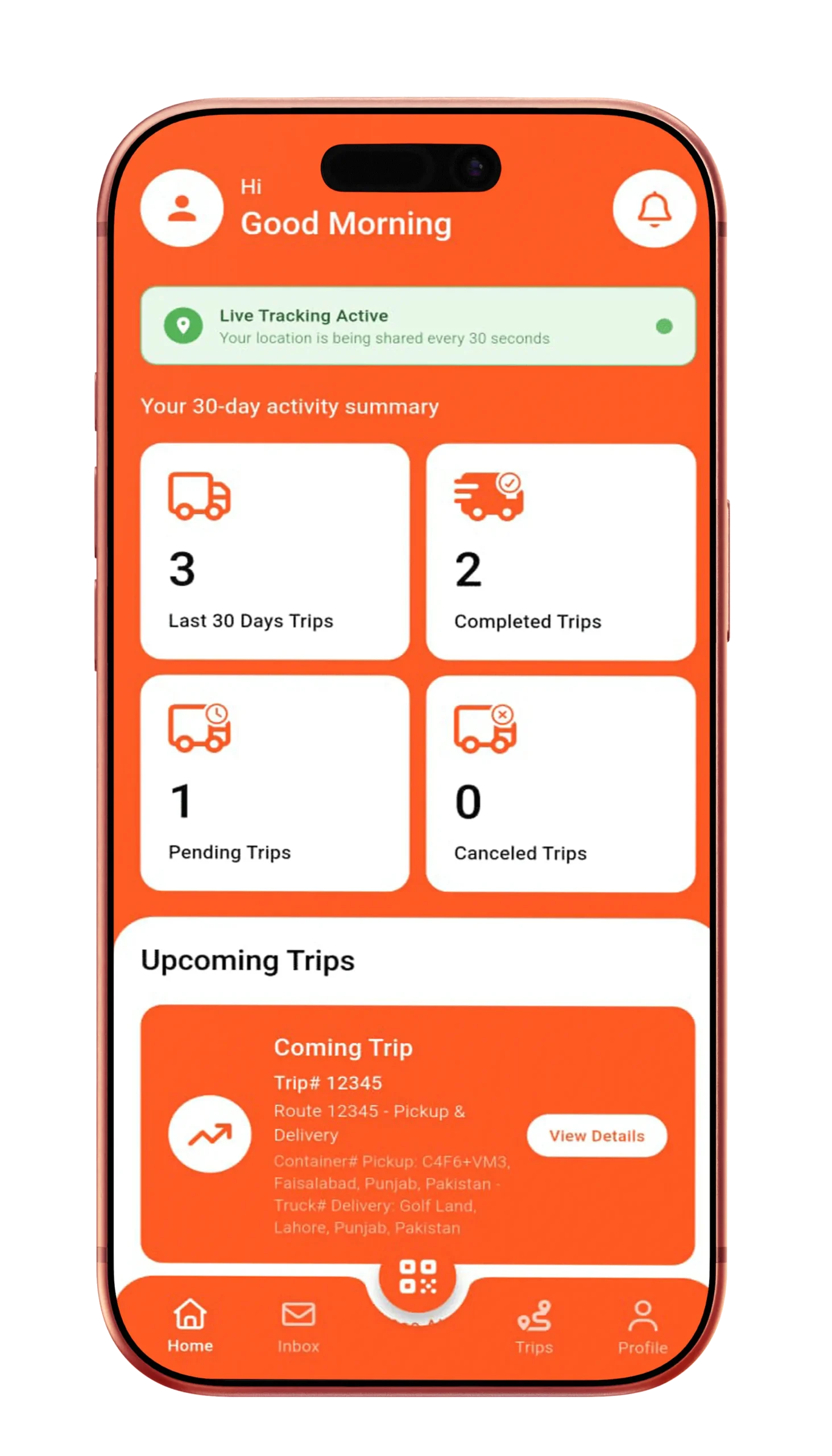
Real-Time Trip Overview
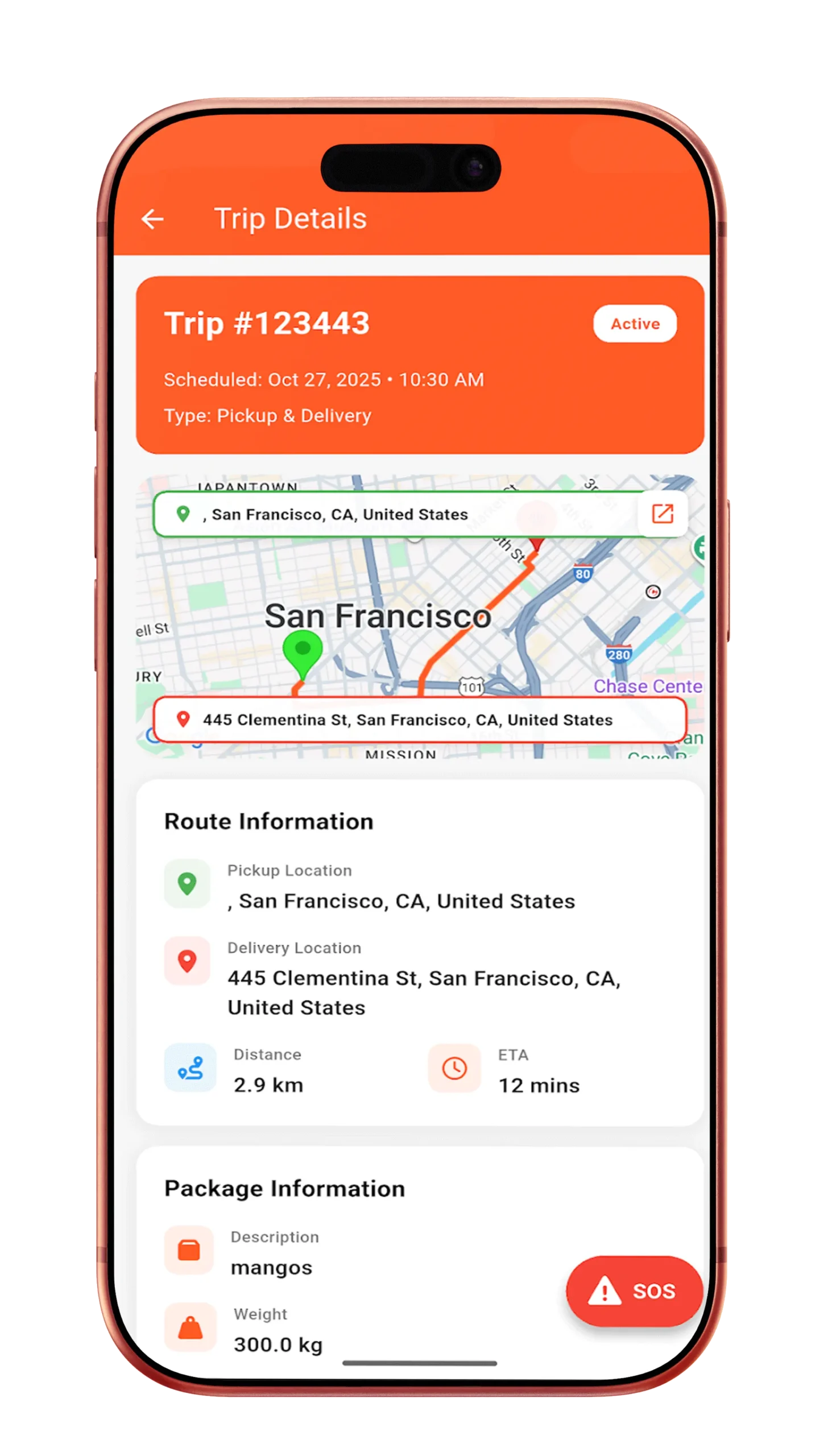
The dashboard instantly displays the driver’s current operational status, including:
- Active trip details.
- Assigned container and truck.
- Trip stage (Not Started, In Transit, Delivered).
- ETA and remaining distance.
- Pending actions or confirmations.
This ensures drivers always know what they’re doing, where they’re going, and what’s next.
Instant Task & Assignment Visibility
All assignments pushed by the admin appear instantly on the dashboard:
- New trip notifications.
- Container assignment details.
- Pickup and delivery locations.
- Priority or urgent tasks.
Drivers never need to call for instructions everything is visible and confirmed digitally.
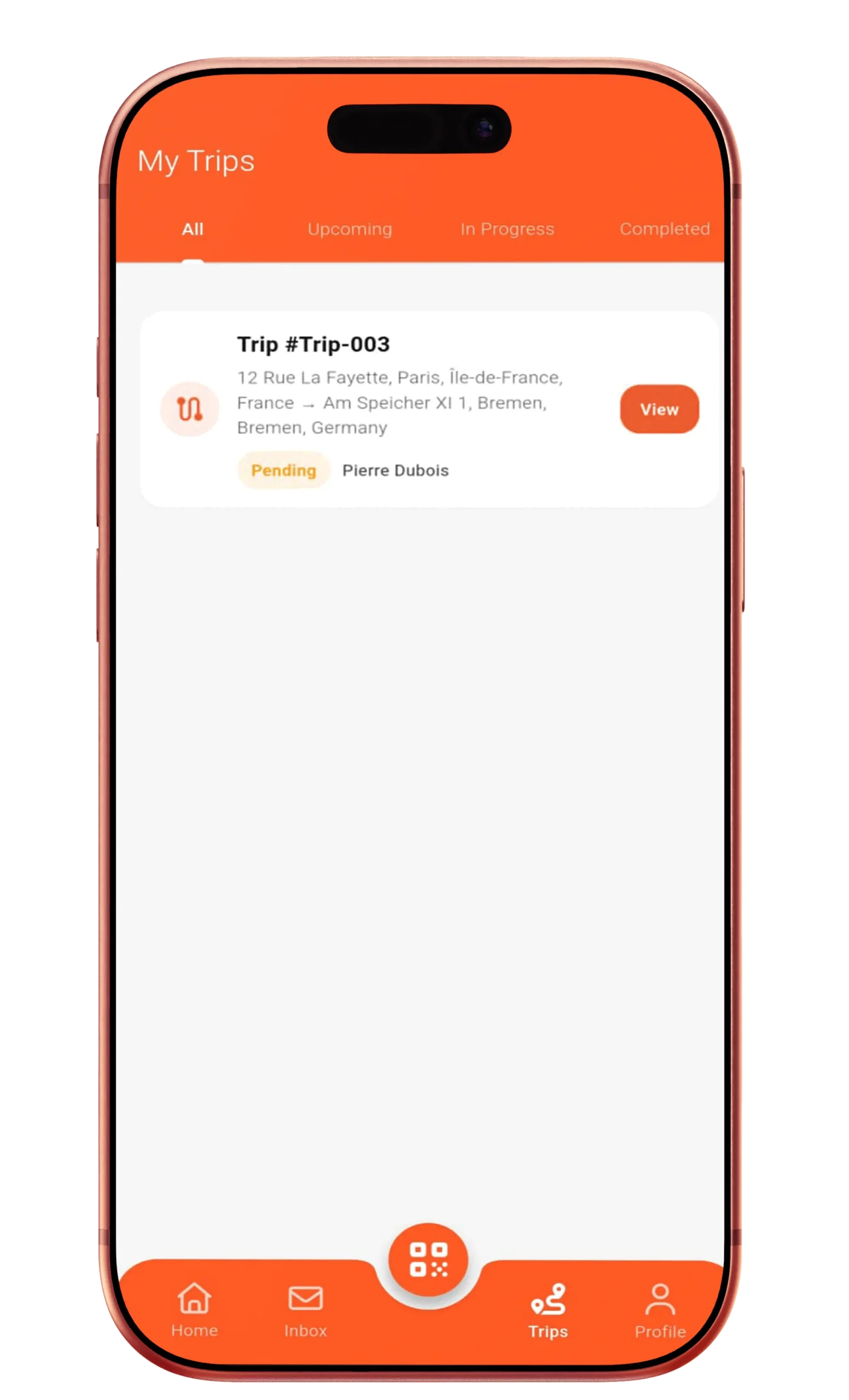
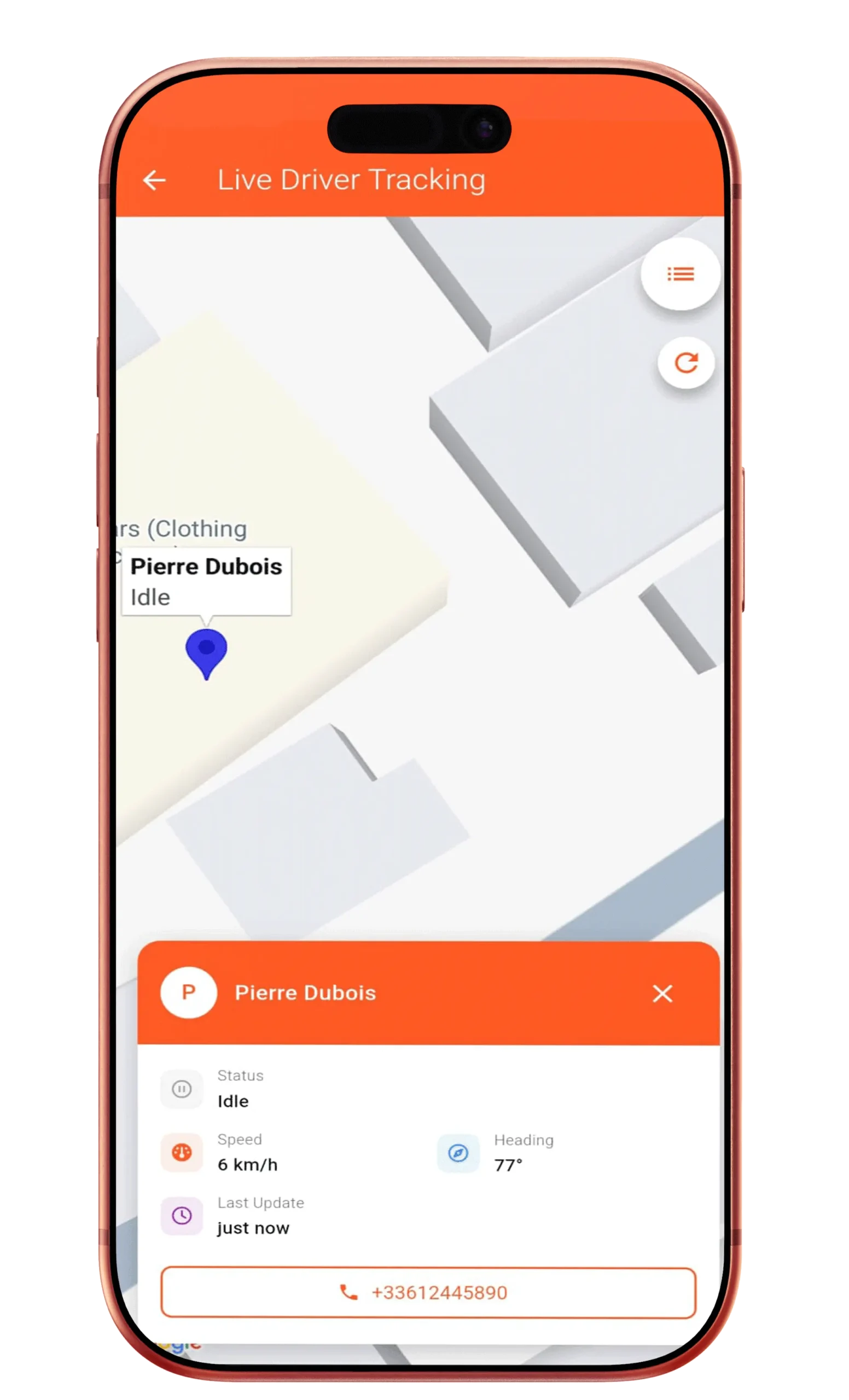
Live Status Indicators & Alerts
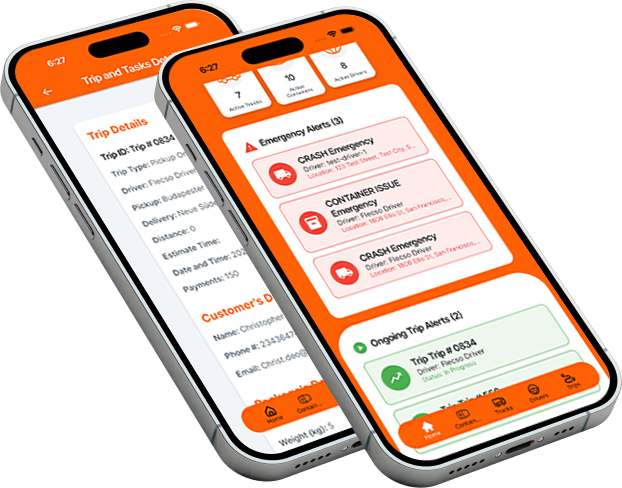
The dashboard uses clear visual indicators to show:
- Trip status (Active, Delayed, Completed).
- Connectivity and GPS status.
- Incident or SOS alerts.
- Admin messages awaiting response.
This helps drivers react faster and stay compliant with operational requirements.
One-Tap Access to Core Actions
From the dashboard, drivers can instantly:
- Start trips via QR scan.
- Open live navigation.
- Report incidents or delays.
- Contact admin via chat.
- Complete trips.
Every critical action is reachable within one or two taps, minimizing distraction and maximizing safety.
Mobile-First, Distraction-Free Design
The Driver Dashboard is optimized for:
- Large, readable buttons.
- Clear typography.
- Minimal text input.
- Fast loading on low networks.
This ensures safe usage during stops and quick access during operations.
Start Managing Your Logistics Digitally
How the Driver Dashboard ImprovesYour Operations
Drivers stay focused. Admins stay informed. Operations run smoother.
- Reduces confusion and miscommunication.
- Speeds up trip initiation.
- Improves on-time delivery rates.
- Increases driver accountability.
- Creates a reliable digital activity log.
Frequently Asked Questions
Yes. All trip, task, and status data updates live without manual refresh.
Drivers see current and upcoming assignments clearly separated.
Absolutely. The interface is designed for simplicity and real-world usage.
Put Drivers in Control Without Losing Oversight
The Flecso Driver Dashboard turns drivers into confident, connected operators while keeping every action visible to management.
Simple for drivers. Powerful for operations.